As we eagerly anticipate the rare and awe-inspiring event of a solar eclipse, it’s important to remember to prioritize safety, even in the midst of excitement. While watching this celestial phenomenon, it’s crucial to ensure that our phones, which often serve as our primary sources of information and communication, are handled with care. In this blog post, we will delve into essential phone safety tips to keep in mind during a solar eclipse, helping you stay informed and protected while experiencing this extraordinary natural event.

1. Protecting your phone’s camera lens
Protecting your phone’s camera lens during a solar eclipse is crucial to ensure both your safety and the longevity of your device. The intense brightness of the sun during an eclipse can cause significant damage to your phone’s camera if not properly protected. To safeguard your phone’s camera lens, consider investing in a solar filter specifically designed for smartphone cameras. These filters are equipped to reduce the brightness of the sun’s rays, allowing you to capture stunning images of the eclipse without risking harm to your device. Additionally, avoid pointing your phone directly at the sun for extended periods to prevent overheating and potential lens damage. Remember, prioritizing the safety of your phone’s camera lens will not only preserve its functionality but also enable you to capture memorable moments during this celestial event.

2. Avoiding direct sunlight exposure to your phone
During a solar eclipse, it is crucial to remember to protect your phone from direct sunlight exposure. The intense rays of the sun can damage your phone’s screen and internal components. To avoid this, it is recommended to keep your phone in a shaded area or indoors during the eclipse. If you need to use your phone outside, consider using a phone case with a built-in screen protector or a sunshade attachment to shield it from direct sunlight. Additionally, avoid leaving your phone on surfaces that can become hot in the sun, such as metal or glass, as this can cause overheating. By taking these precautions, you can ensure the safety of your phone during a solar eclipse and avoid potential damage.
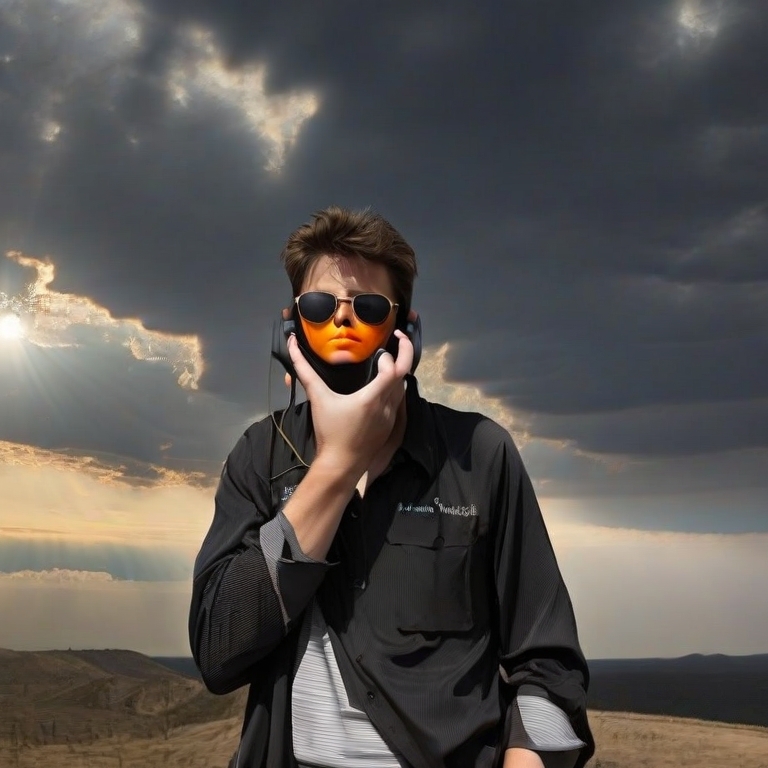
3. Using solar eclipse glasses or filters for your phone
During a solar eclipse, it is crucial to protect your eyes from the harmful rays of the sun. But did you know that your phone also needs protection during this celestial event? Just like your eyes, the lenses of your phone’s camera can be damaged by the intense sunlight during a solar eclipse. To safeguard your phone while capturing this awe-inspiring moment, it is essential to use solar eclipse glasses or filters. These specially designed glasses or filters can prevent the sun’s powerful rays from damaging your phone’s camera sensor or lens. By using solar eclipse glasses or filters for your phone, you can safely capture the beauty of this rare phenomenon without risking any harm to your device. Remember, safety should always come first, even when it comes to capturing unforgettable moments like a solar eclipse.

 Mastering the Art of Motivation: A Step-by-Step Guide to Helping Others Achieve Their Goals
Leave a comment